Install and Configure the FIX Bridge
You will learn how to configure and use the fix-bridge.
Conda
Install the “roq-fix-bridge” package
$ conda install -y -c https://roq-trading.com/conda/unstable roq-fix-bridge
For testing, it is also useful to install the “roq-tools” package
$ conda install -y -c https://roq-trading.com/conda/unstable roq-tools
Note
Remember that it is more efficient to install all packages at the same time. Here we install them separately to emphasize that “roq-tools” isn’t required to use the FIX bridge.
Configure
The FIX bridge package include a TOML config template which you can copy and modify
$ cp $CONDA_PREFIX/share/roq-fix-bridge/config.toml $HOME/fix-bridge.toml
Edit the config file
$ vi $HOME/fix-bridge.toml
The config file has 2 key sections which are discussed in the following.
Symbols
An optional regex list used for market data subscriptions.
[symbols.binance-futures]
regex=[ ".*BTC.*" ]

[symbols.deribit]
regex=".*"
Important
Notice that the second part of the key should match the --name flag used by upstream gateways.
Users
Users are clients to the FIX bridge.
Clients must logon and identify themselves using component and username matching this configuration.
A client is allowed to send order actions only if an account alias is defined for that user.
[users.subscriber]
component="fix-client"
username="subscriber"

[users.trader]
component="fix-client"
username="trader"
password="secret"
account="A1"
Important
The same account alias can not be mapped for more than 1 (one) user.
Note
It is possible to break this 1:1 link by using roq-fix-proxy, but that’s outside the scope of this blog.
Running
The command-line to launch the FIX bridge
$ roq-fix-bridge \
    --name "fix-bridge" \
    --config_file $HOME/fix-bridge.toml \
    --client_listen_address tcp://localhost:1234 \
    $HOME/binance-futures.sock \
    $HOME/deribit.sock
Here we listen for client connections on TCP port 1234.
Note
The FIX bridge can listen for client connections on either TCP or UNIX socket.
As demonstrated with Binance and Deribit, the FIX bridge can be client to many upstream gateways.
Testing
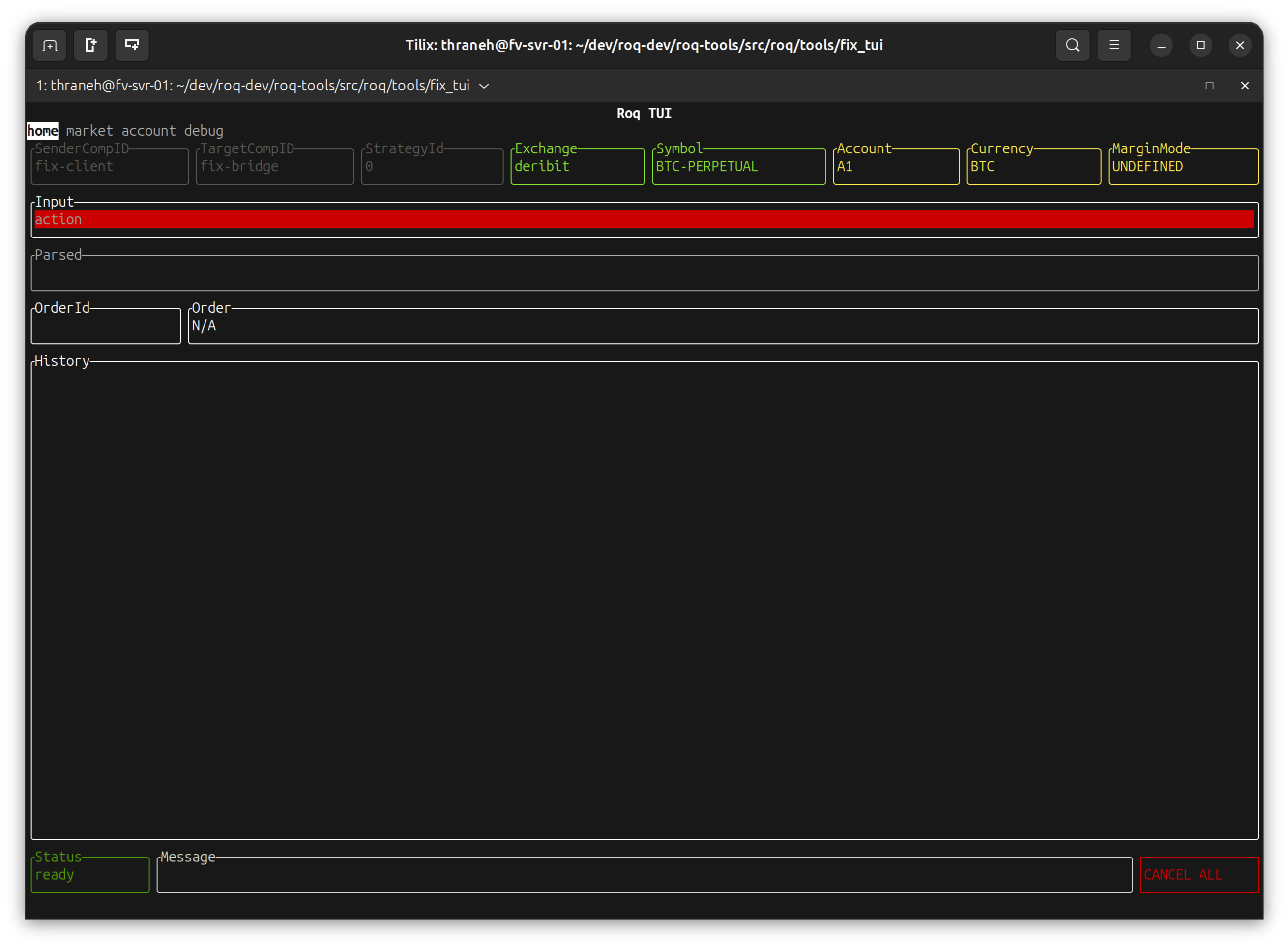
The “roq-tools” package includes a TUI (terminal user-interface)
$PREFIX ./roq-fix-tui \
  --account A1 \
  --exchange deribit \
  --symbol BTC-PERPETUAL \
  --currency BTC \
  --fix_target_comp_id fix-bridge \
  --fix_sender_comp_id fix-client \
  --fix_username trader \
  --fix_password secret \
  tcp://localhost:1234
You should now see this
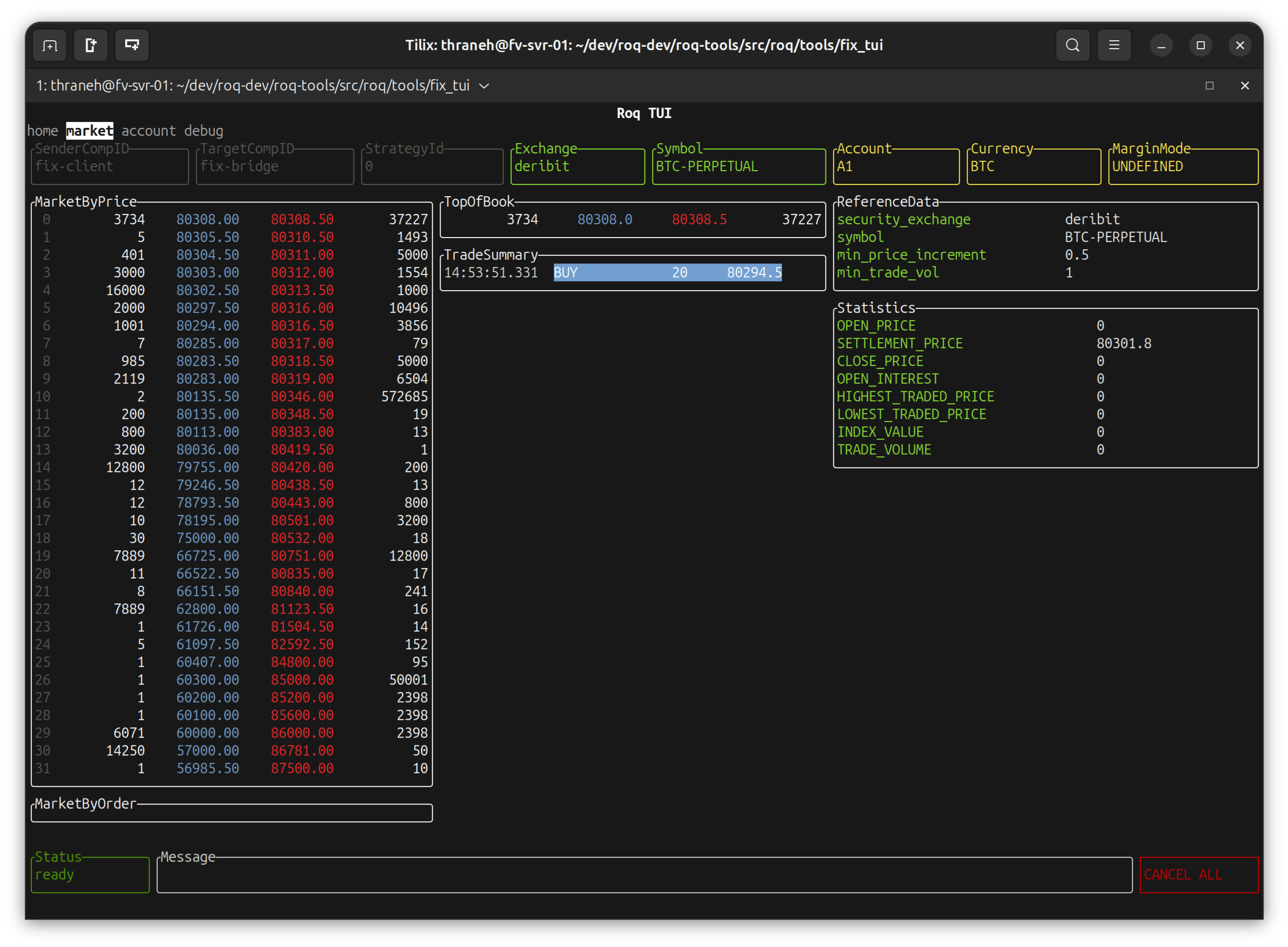
Navigating to “market”
Note
This TUI (“roq-fix-tui”) has less data than the standard TUI (“roq-tui”) because of FIX protocol limitations.
Navigating back to “home”, we can enter the details of a new limit order
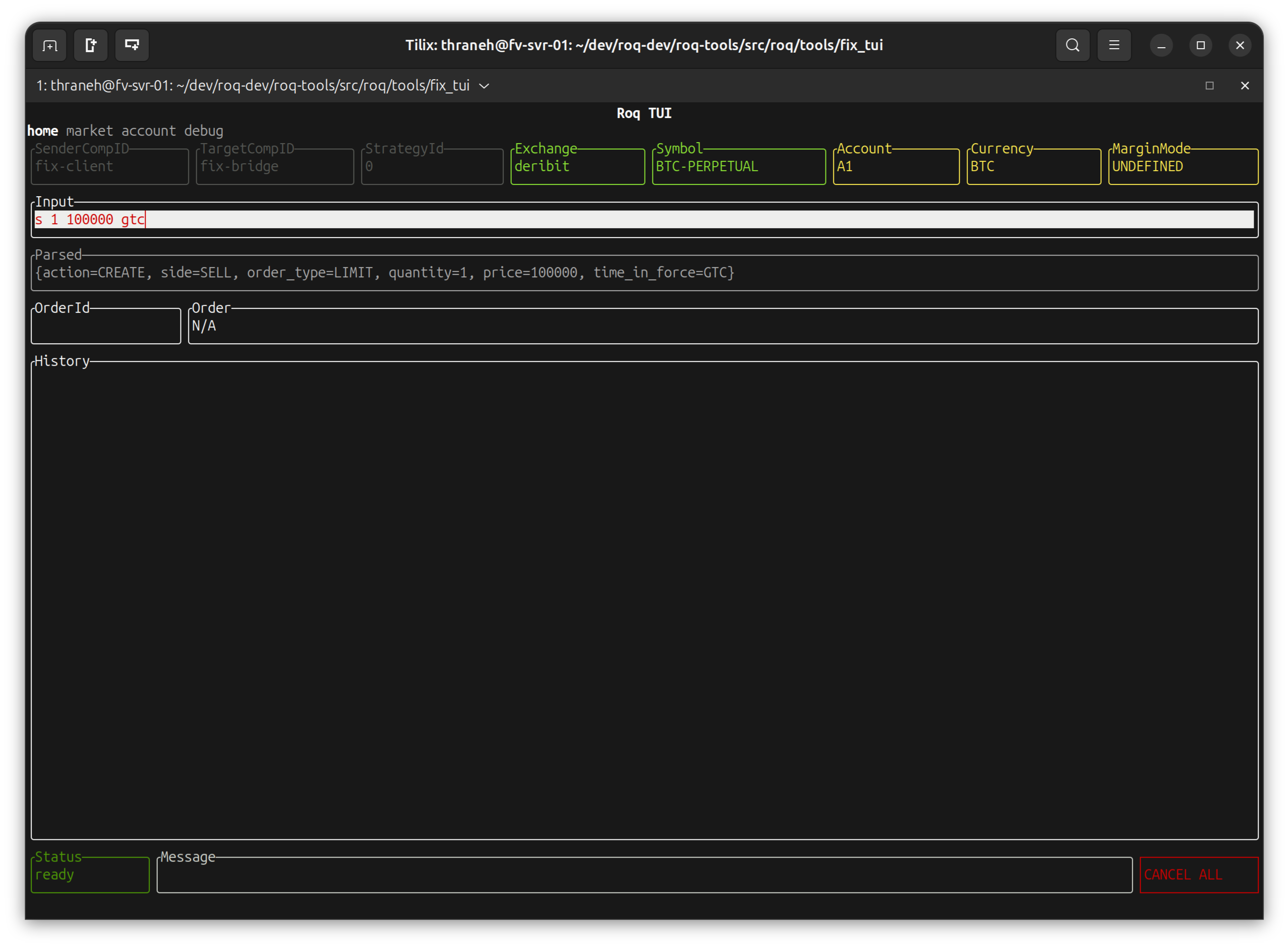
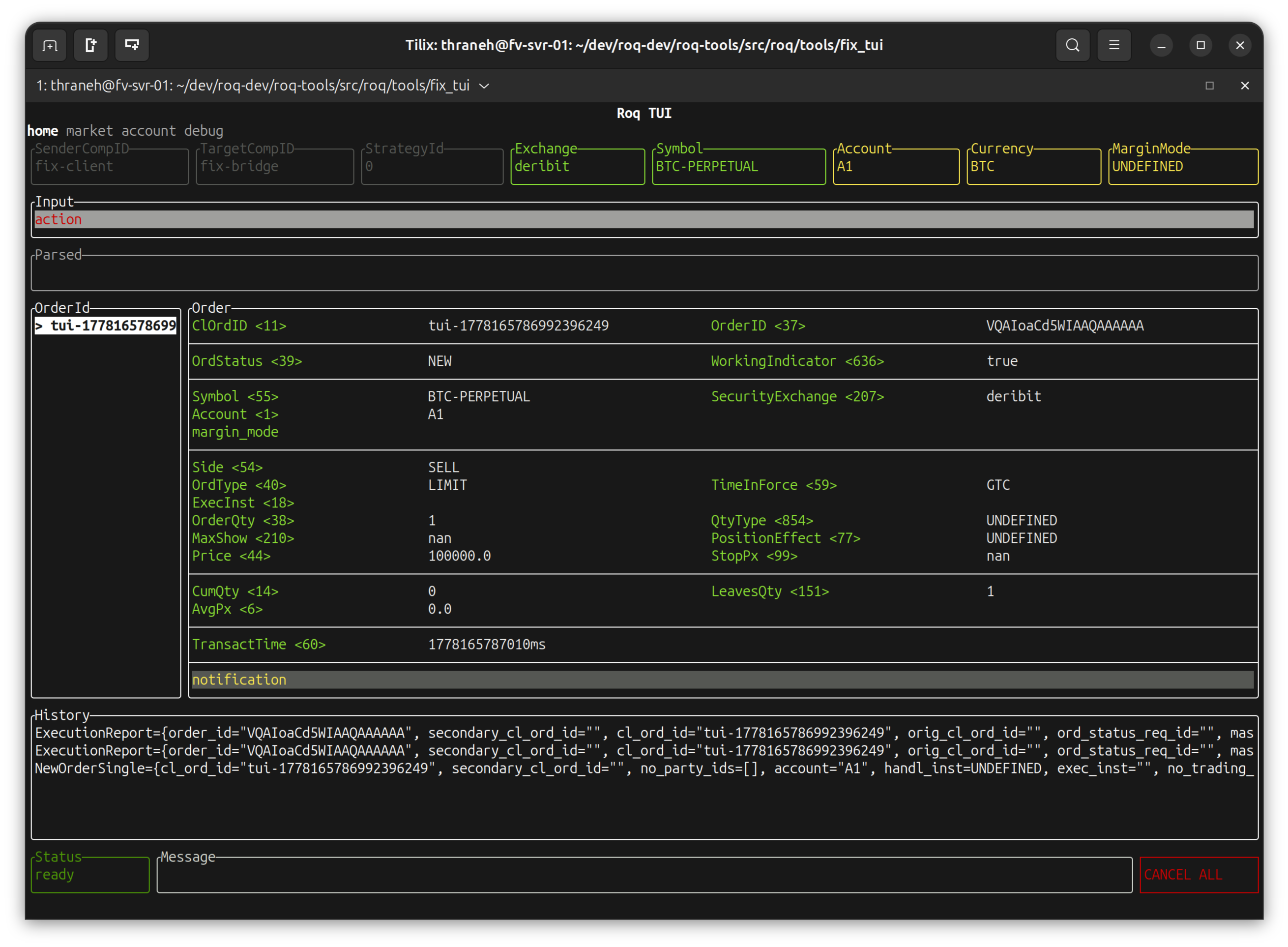
After hitting “enter”
Note
We notice the message log contains the “NewOrderSingle” request followed by two “ExecutionReport”s. This is as would be expected by the FIX protocol.
Then we modify the price
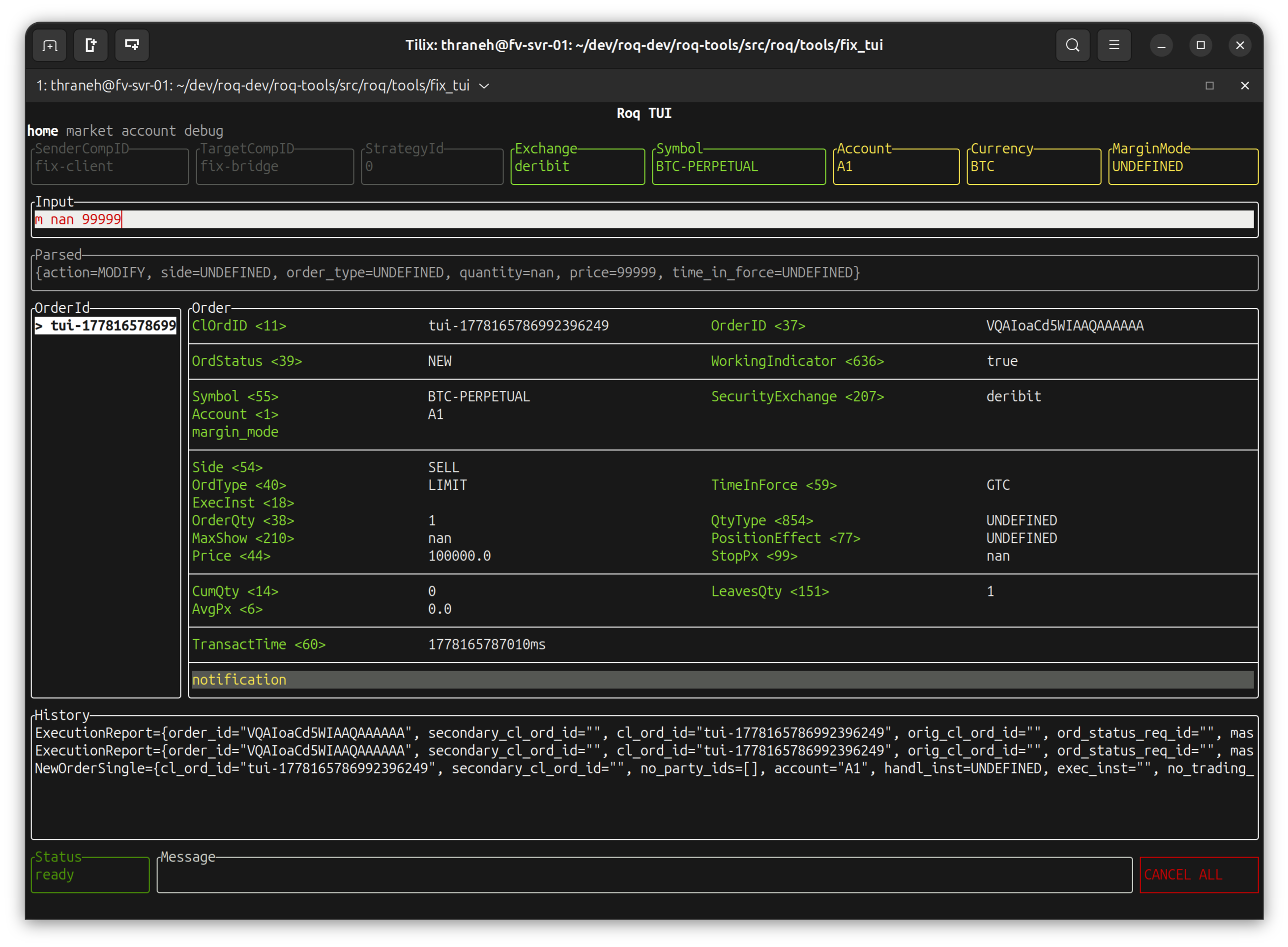
After hitting “enter”
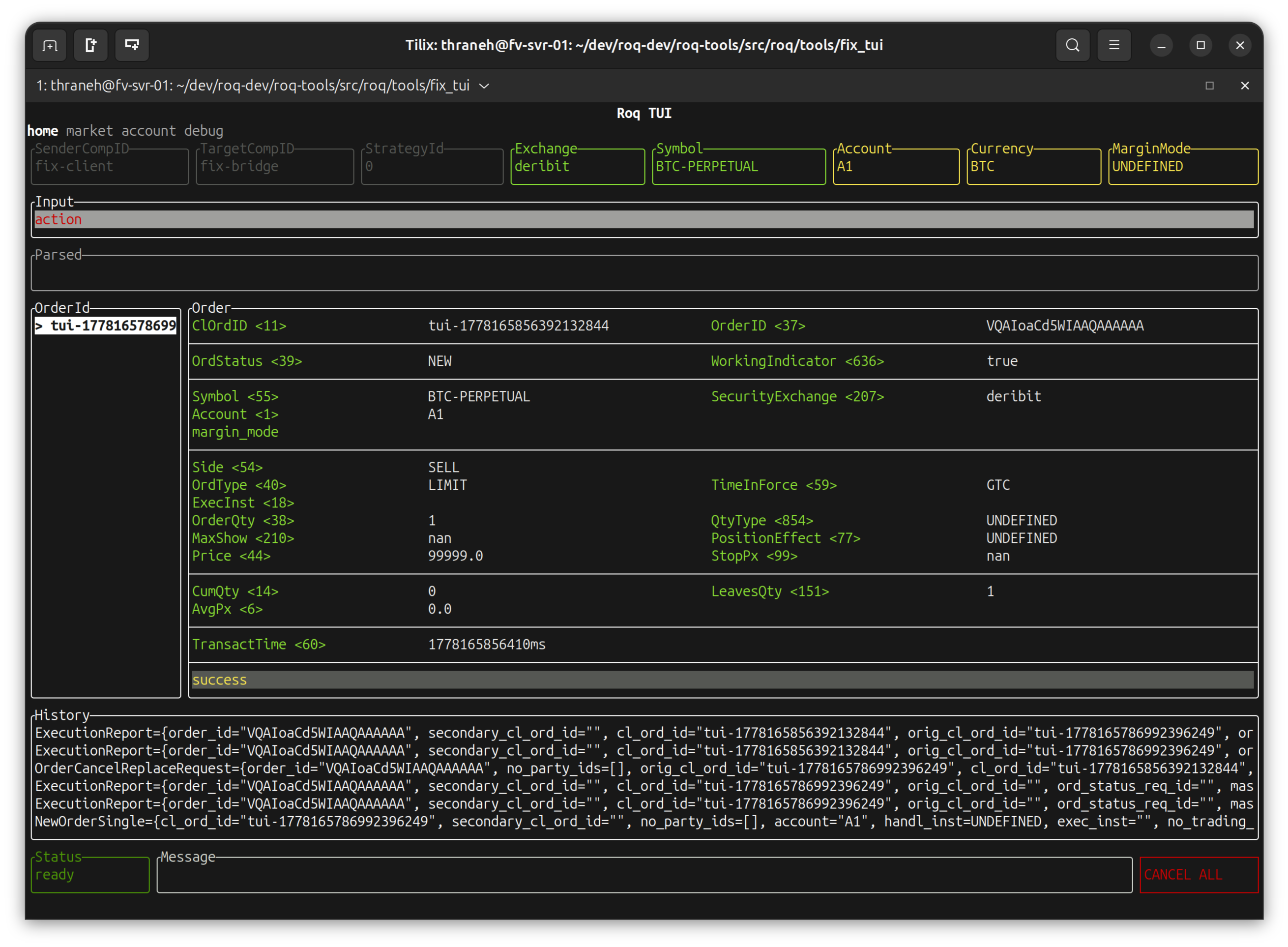
Note
We notice that the message log contains the “OrderCancelReplaceRequest” request followed by two “ExecutionReport”s.
Finally we cancel the order
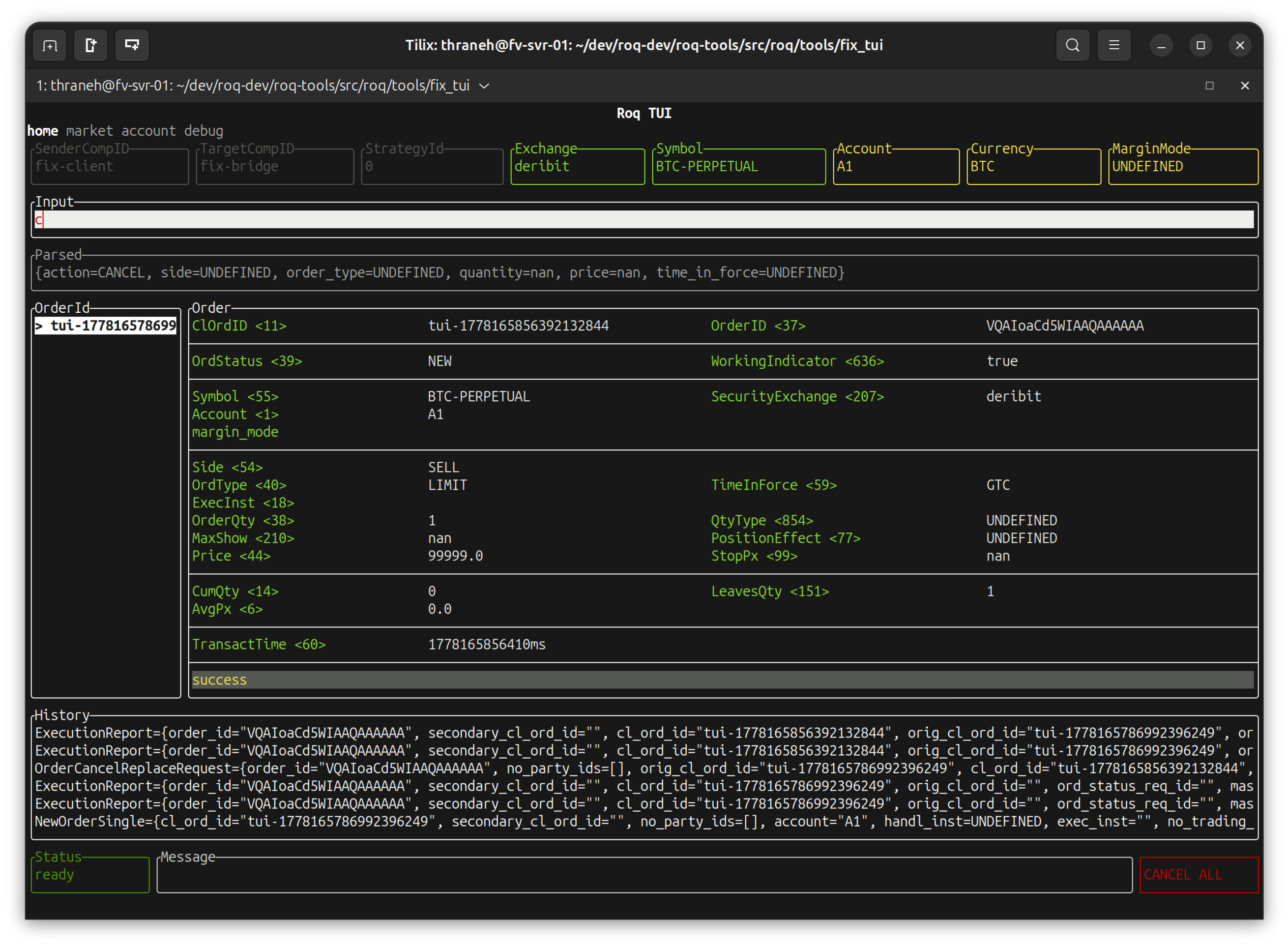
After hitting “enter”
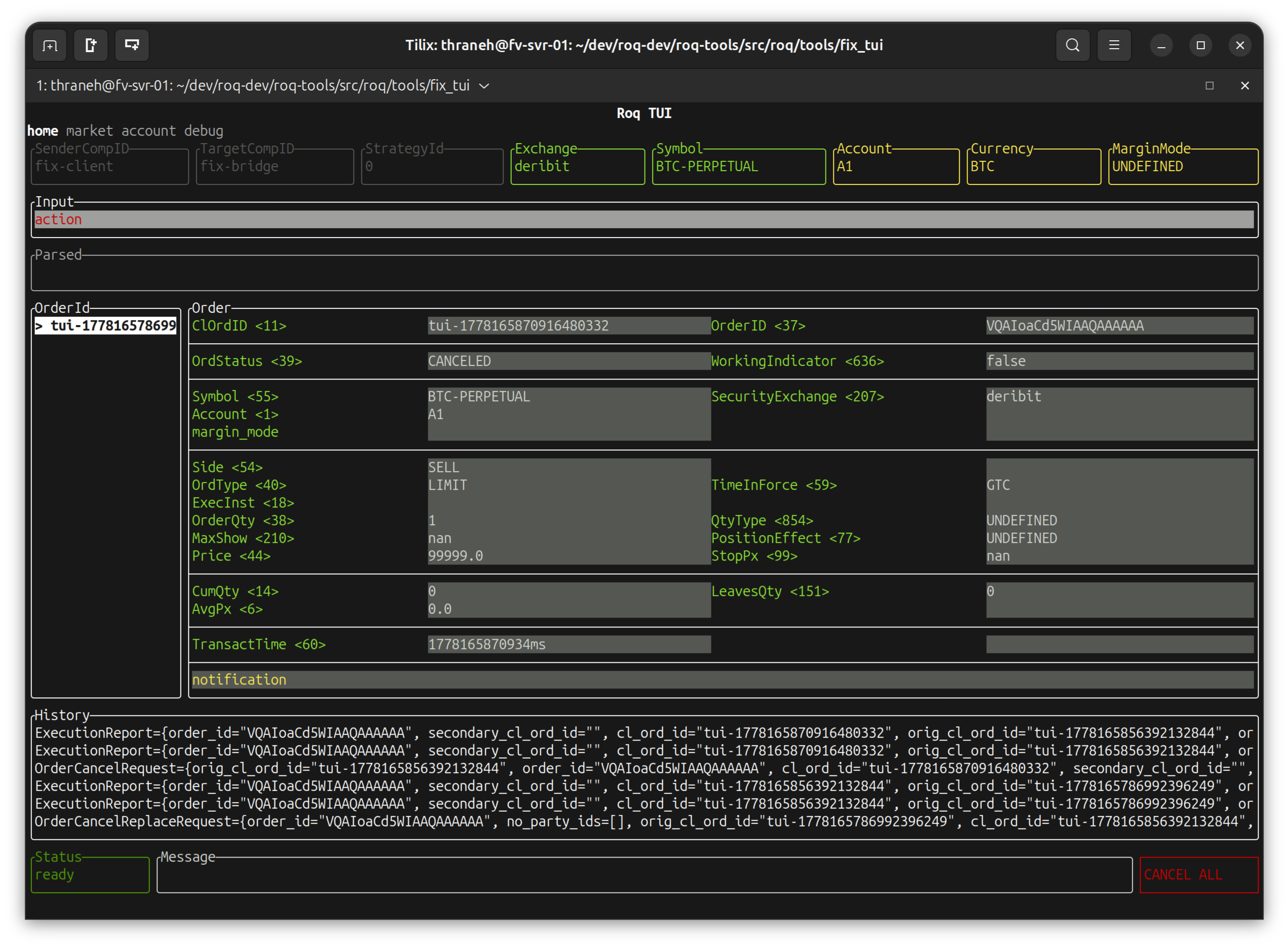
Note
We notice that the message log contains the “OrderCancelRequest” request followed by two “ExecutionReport”s.